HTML Diff Check Tool
插件截图
插件概述
Tool for checking HTML difference between tabs ,or between production and development environment.插件详情
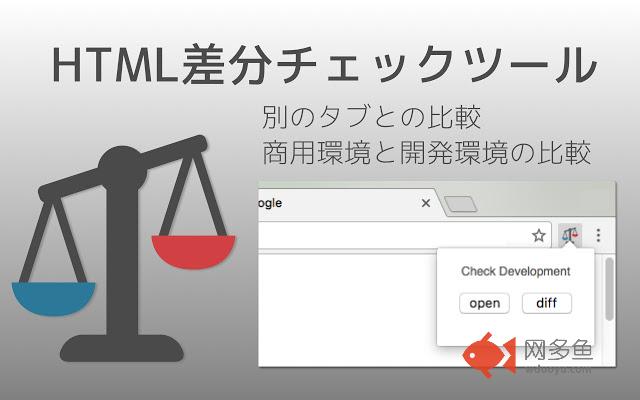
HTML Diff Check Tool is chrome addon for checking difference between tabs or between Production and Development.You can check HTML diff with other tab.
You can open the URL of production and development server each other with pre-register pairs of those URLs. Also, you can check HTML diff of them.
-v.2.0.0
Add function for checking diff with other tab.
-v.1.6.0
Add a comment box (Google form) Link
-v.1.5.0
Change UI design a little.
-v.1.4.0
Change Wrap Lines Function is added.
ShortCutKey is also added. Alt + Down (Go to next diff) / Alt + Up (Go to prev diff) / Alt + w (Change Wrap Lines)
Bug fix.
-v.1.3.0
Nex/Prev Diff and Search Functions are added.
-v.1.2.0
-v.1.1.0
bug fix
-v.1.0.0
Add alert when it could not access to target url.
-v.0.2.0
You can also use in incognito mode.
Fix bug and strings.
- v.0.1.11
You can also check HTML diff include JavaScript rendered HTML. Change option for that, if you need.
[usecase]
- To check the difference between a testing and production environment before/after deployment.
- When your co-worker asks you to check a testing environment which he/she updated.
[How to use]
1. In the settings register the combination of a testing and production environment domain (including a subdomain).
2. Turn on the "balance scale" icon at the web page where you want to check a testing or production environment.
3. Click the "open" button then a testing or production environment domain will be opened.
4. Click the "diff" button so you can check the difference between the HTML sources.
[about privacy]
- Traffic data of the application is analyzed via GoogleAnalytics.
- The registered domains, URLs or HTML sources are not sent to third parties.
其他信息
官方唯一标识:fjbonpak****************ooihpijo
官方最后更新日期:2019年3月8日
分类:开发者工具
大小:1.45MiB
版本:2.1.0
语言:支持2种语言
提供方:none
星级:5
插件下载
| 下载链接一 下载链接二 |
| Chrome插件离线安装教程 |
温馨提示
本站中的部份内容来源网络和网友发布,纯属个人收集并供大家交流学习参考之用,版权归版权原作者所有。
如果您发现网站上有侵犯您的知识产权的作品,请与我们取得联系,我们会及时修改或删除。
如果您觉得网多鱼对您有帮助,欢迎收藏我们 Ctrl+D。