Flash Blocker Strict
插件截图
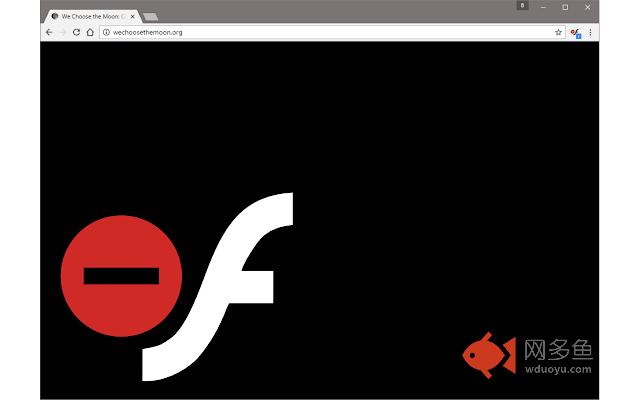
插件概述
Strictly block all Flash contents from loading (supports whitelisting)插件详情
Flash Blocker Strict is a browser addon that helps you easily block all flash elements within a website.Simply click on the toolbar icon (which serves as a toggle button) to turn the addon ON or OFF. When the addon is active, no flash content will be loaded in your browser. Badge icon text shows the number of blocked flash items.
If you want to allow Flash (globally), simply click on the toolbar icon to turn the addon OFF (icon is green when it is OFF). You can now reload the page to allow all flash contents. Alternatively, you can add any desired domain to the whitelist table.
In order to do so, please right-click anywhere inside a page or toolbar icon, then select the - Exclude from flash blocker - item in the context-menu. This way, the website will be added to the whitelist (please open options page to edit the whitelist). Now, reload the page to see all flash contents. Please note that toolbar icon will turn to green color when the website is white-listed.
In order to report bugs, please fill the bug report form in the addon's homepage (http://mybrowseraddon.com/flash-blocker-strict.html).
其他信息
官方唯一标识:opbkpfci****************nphkplib
官方最后更新日期:2017年3月4日
分类:生产工具
大小:72.0KiB
版本:0.1.0
语言:English
提供方:none
星级:3.4
插件下载
| 下载链接一 下载链接二 |
| Chrome插件离线安装教程 |
温馨提示
本站中的部份内容来源网络和网友发布,纯属个人收集并供大家交流学习参考之用,版权归版权原作者所有。
如果您发现网站上有侵犯您的知识产权的作品,请与我们取得联系,我们会及时修改或删除。
如果您觉得网多鱼对您有帮助,欢迎收藏我们 Ctrl+D。