Birdview
插件截图
插件概述
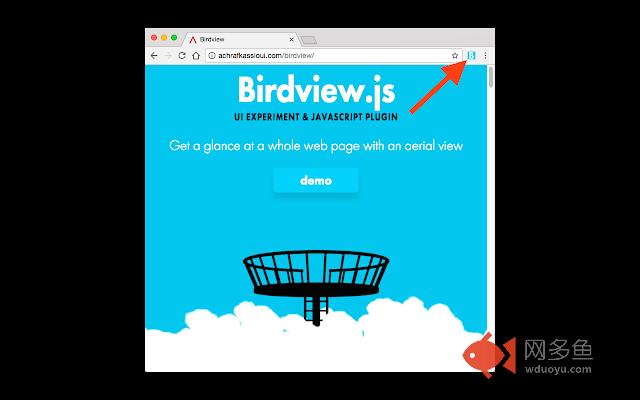
Get a glance at a whole web page with an aerial view插件详情
Click the "B" while on any page to see the Birdview.Right click and select "options" to change how Birdview works.
**Known Issues**
- You must refresh open pages after installing Birdview (just once, all new tabs will work without refreshing)
- Elements with position:fixed may lose their fixed behavior once birdview is activated
- Resizing the browser window in birdview mode can reposition the birdview improperly
- If you fit the whole page into your viewport using the browser native zoom, birdview might misbehave
- Birdview doesn't play well with documents where the body content has overflow:hidden
- Pinch gestures do not change the zoom level continuously. The gestures toggle birdview either ON or OFF after a pinch distance threshold is met
---
Based on birdview.js by Achraf Kassioui: http://www.achrafkassioui.com/birdview
其他信息
官方唯一标识:mkkcfebf****************iidjogge
官方最后更新日期:2017年5月27日
分类:生产工具
大小:25.41KiB
版本:1.2.0
语言:English
提供方:none
星级:5
插件下载
| 下载链接一 下载链接二 |
| Chrome插件离线安装教程 |
温馨提示
本站中的部份内容来源网络和网友发布,纯属个人收集并供大家交流学习参考之用,版权归版权原作者所有。
如果您发现网站上有侵犯您的知识产权的作品,请与我们取得联系,我们会及时修改或删除。
如果您觉得网多鱼对您有帮助,欢迎收藏我们 Ctrl+D。