Simple JavaScript Toggle
插件截图
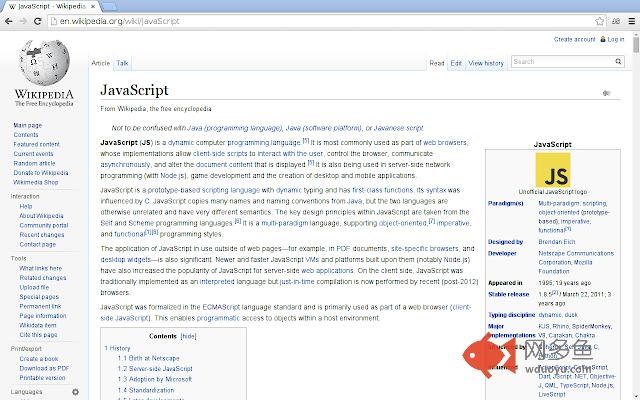
插件概述
Enable or disable JavaScript on a site-by-site basis.插件详情
Simple JavaScript Toggle adds a button which allows you to control if JavaScript should be allowed to run on the current site or not.Chrome has built-in support for allowing you to configure which sites should be allowed to run JavaScript. You do this on the Chrome settings page, and it works really well for permanently blocking or allowing a site. If you find that you regularly need to change whether to allow or block JavaScript on a site, using the settings page gets impractical. That's where this extension comes in. By clicking on a button in the toolbar, JavaScript is either enabled or disabled for the current site whereupon the page is reloaded.
其他信息
官方唯一标识:mhidlbeg****************ckambgfj
官方最后更新日期:2014年7月20日
分类:开发者工具
大小:18.38KiB
版本:1.0.0
语言:English
提供方:squishythoughts.com
星级:3.6
插件下载
| 下载链接一 下载链接二 |
| Chrome插件离线安装教程 |
温馨提示
本站中的部份内容来源网络和网友发布,纯属个人收集并供大家交流学习参考之用,版权归版权原作者所有。
如果您发现网站上有侵犯您的知识产权的作品,请与我们取得联系,我们会及时修改或删除。
如果您觉得网多鱼对您有帮助,欢迎收藏我们 Ctrl+D。