打印 for Google Chrome
插件截图
插件概述
打印当前网页插件详情
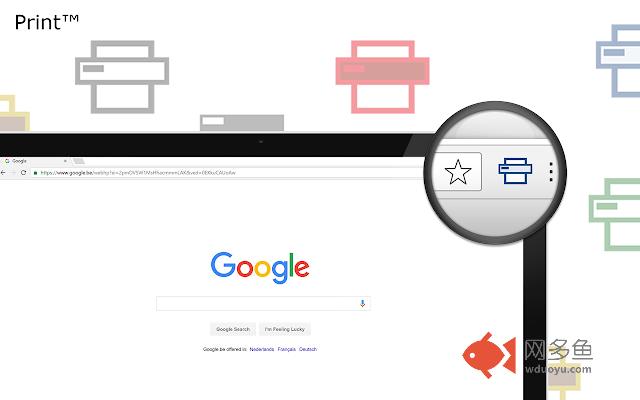
Place a print button inside your web browser. So you can easily print a page with one click. Print today a web page, photo or business card with your own favorite Print button.Print is a lightweight and useful add-in designed to print fast that website. You choose the style, you choose the Print button design. This browser extension is designed and touch screen, so you can get print fast the to your current website to your local or cloud print from one of your own Google Cloud Printers. Not only this, but these extensions are compatible with Google Chrome, Apple Safari, Mozilla Firefox, Opera, Microsoft Edge, Maxthon and Yandex web browsers.
A few great features in this browser extension:
+ Build for TOUCH screen and DESKTOP screens with mouse.
+ Option to get a custom design Print button
+ Option to get the regular Print button
+ Option to get the Google Material Design Print button
+ Option double click on the print icon, to save the file in HTML or PDF or to open the Options page
Print button works for Windows, Mac and Linux. And also Google Chromebooks.
Project Information:
https://www.stefanvd.net/project/print/browser/
<<< Option feature >>>
To protect your eyes at night and to get focus on the video player such as YouTube™. It's recommend to use and install the Turn Off the Lights
https://chrome.google.com/webstore/detail/bfbmjmiodbnnpllbbbfblcplfjjepjdn
其他信息
官方唯一标识:idfnpgjb****************fkkdekbd
官方最后更新日期:2019年6月1日
分类:开发者工具
大小:393KiB
版本:2.2.4.0
语言:支持54种语言
提供方:https://www.stefanvd.net
星级:3.7
插件下载
| 下载链接一 下载链接二 |
| Chrome插件离线安装教程 |
温馨提示
本站中的部份内容来源网络和网友发布,纯属个人收集并供大家交流学习参考之用,版权归版权原作者所有。
如果您发现网站上有侵犯您的知识产权的作品,请与我们取得联系,我们会及时修改或删除。
如果您觉得网多鱼对您有帮助,欢迎收藏我们 Ctrl+D。