Environment Marker
插件截图
插件概述
Use this marker and don't get mixed up about development (programming) environments nevermore.插件详情
We all know that is very common at least a 3 environments in our programming / IT projects (dev, staging, production). Generally they are all identical.People have committed a lot of mistakes, in which simply confuse environments and end up doing the procedures in wrong environments.
Who ever made that "little test" thinking it was doing in "dev" and suddenly realized he was in production. Also, The environments are identical, except for discreet URL in the browser address bar. This situation is even more common when the application has an administrative interface.
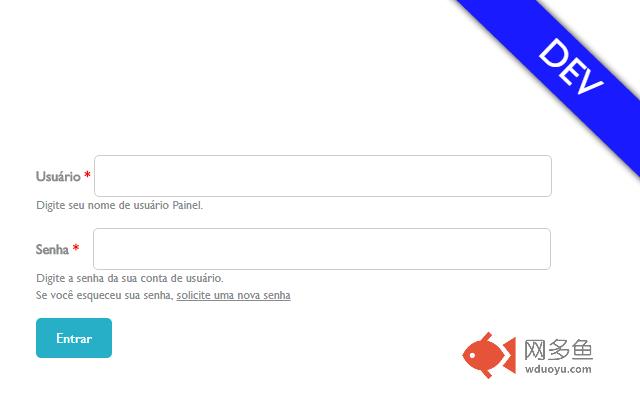
With this in mind this extension for Google Chrome was developed, and makes it possible for you to configure the URLs of yours projects environments and puts a "huge label" on the top corner of the browser, identifying the environment for you
with the color and name, according to what you have previously set..
How to use:
- After installing, access Bowser Configurations > More Tools > Extensions.
- Click on Options menu, over Environment Marker session.
- Configure your Environments and click on Save button.
Latest release:
- Added support to regexp URLs.
Now Environment Marker is OpenSource!
https://github.com/geovanneb/envmarker
其他信息
官方唯一标识:ahjhdebc****************kghcchkk
官方最后更新日期:2019年2月14日
分类:开发者工具
大小:50.03KiB
版本:1.0.2
语言:English
提供方:none
星级:4.8
插件下载
| 下载链接一 下载链接二 |
| Chrome插件离线安装教程 |
温馨提示
本站中的部份内容来源网络和网友发布,纯属个人收集并供大家交流学习参考之用,版权归版权原作者所有。
如果您发现网站上有侵犯您的知识产权的作品,请与我们取得联系,我们会及时修改或删除。
如果您觉得网多鱼对您有帮助,欢迎收藏我们 Ctrl+D。