Meeting Scheduler for Gmail
插件截图
插件概述
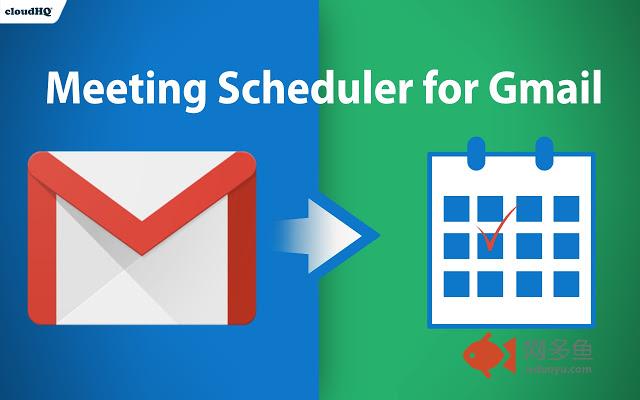
Easy scheduling directly from Gmail插件详情
FREE: Easy, beautiful meeting calendar scheduler lets you send out a link so that other people can choose a meeting time with you based on your availability. It works directly from Gmail, and is 100% integrated with your Google Calendar.Book meetings with only one email. Say goodbye to email "tag game" for scheduling appointments - do everything with one email and one click.
How it works:
1) Install the extension.
2) While composing an email to your clients, colleagues, friends, students, etc... just click on the "Calendar icon" on the bottom of your email.
3) You will be able to insert a link to your calendar availability before you send your email.
4) When the email receiver opens your email, they can pick an available time slot, and your meeting event will be added to both of your calendars.
5) It will be editable if you ever need to change the meeting time.
Here are some of the differences between this calendar meeting scheduler and others:
1. There are no duplicate calendars that are saved to an external calendar, this works directly with your Google calendar. You can therefore easily revise a meeting day and time, and the other person is aware of the change.
2. You can label how you see your meetings in your calendar, instead of a default meeting block labelled "Meeting".
3. The person who is booking an appointment with you doesn't need to enter in his/her name or email because we already know who it is based on their email address.
4. The sender and receiver are properly labeled in their respective fields. No more guessing who is joining you if you are looking at your Google Calendar.
5. Settings are already based on your time zone, with meetings between 9a-5p M-F. You can change these settings at any time.
其他信息
官方唯一标识:dibjpgji****************iphfhejp
官方最后更新日期:2019年6月17日
分类:社交与通讯
大小:189KiB
版本:1.0.0.9
语言:English
提供方:https://www.meeting-scheduler-for-gmail.com
星级:4.7
插件下载
| 下载链接一 下载链接二 |
| Chrome插件离线安装教程 |
温馨提示
本站中的部份内容来源网络和网友发布,纯属个人收集并供大家交流学习参考之用,版权归版权原作者所有。
如果您发现网站上有侵犯您的知识产权的作品,请与我们取得联系,我们会及时修改或删除。
如果您觉得网多鱼对您有帮助,欢迎收藏我们 Ctrl+D。