Text Editor
插件截图
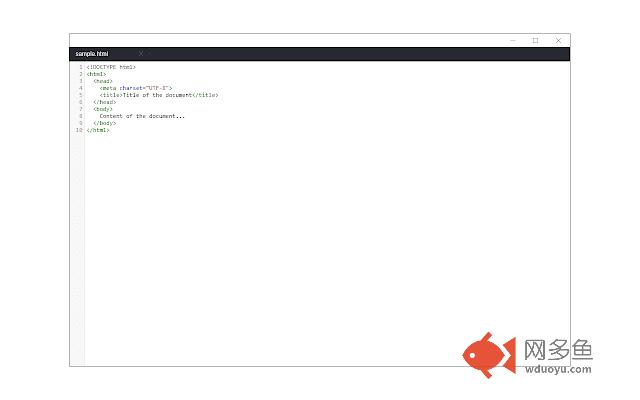
插件概述
A free, highly customizable text and code editor extension for your browser.插件详情
Text Editor is a full-featured text & code editor extension for your browser.This extension has plenty of options to adjust and is built on top of the famous CodeMirror open-source JavaScript library (https://codemirror.net/). Once you open the add-on for the first time, you will see a sidebar at the left and an empty text editor at the right. The left sidebar includes file I/O buttons. For example, a button to open file(s) or settings. There is also a right sidebar which includes all the options for this app.
Note 1: since Text Editor is an extension, it does NOT have access to the local files on your machine. It only has access to the files in the default download folder; this is why the add-on needs "downloads" permission. If you want Text Editor add-on to access all files and folders on your machine, please install the app version (https://chrome.google.com/webstore/detail/text-editor/hbjagijnlgmaajchnpndfodiejdaoheh).
Note 2: currently, Text Editor supports all the keyboard shortcuts for the Sublime text editor only. Moreover, it also supports more than 10 languages (i.e. JavaScript, CSS, HTML, etc.)
If you have a feature request or found a bug to report, please fill the bug report form in the add-on's homepage (https://mybrowseraddon.com/text-editor.html).
其他信息
官方唯一标识:demheclf****************bdhbjjml
官方最后更新日期:2019年3月8日
分类:生产工具
大小:765KiB
版本:0.1.5
语言:English
提供方:none
星级:4.3
插件下载
| 下载链接一 下载链接二 |
| Chrome插件离线安装教程 |
温馨提示
本站中的部份内容来源网络和网友发布,纯属个人收集并供大家交流学习参考之用,版权归版权原作者所有。
如果您发现网站上有侵犯您的知识产权的作品,请与我们取得联系,我们会及时修改或删除。
如果您觉得网多鱼对您有帮助,欢迎收藏我们 Ctrl+D。