Spotify Web Player Hotkeys
插件截图
插件概述
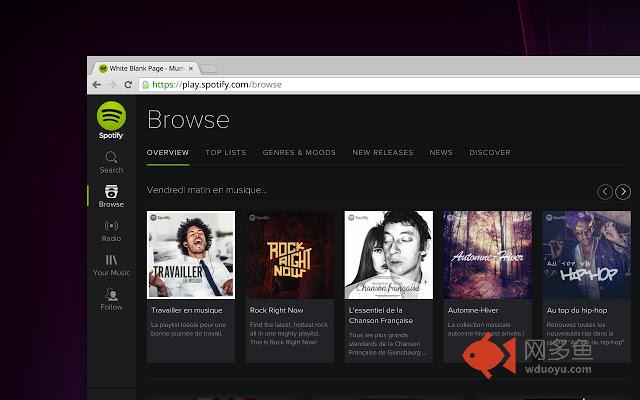
Add keyboard shortcuts to pause, play next and previous tracks in Spotify插件详情
Default Keyboard shortcuts are:Play/Pause : Alt+Shift+P
Next : Alt+Shift+Period
Previous : Alt+Shift+Comma
Save Track: Alt+Shift+F
You can configure them and more by going to the chrome://extensions/shortcuts page such as Shuffle and Repeat.
For full details, go to https://github.com/beaufortfrancois/spotify-hotkeys-chrome-extension
Changelog:
0.5.4:
- Added default keyboard shortcut for "Save track". Thank you benniks!
0.5.3:
- Fixed "Save track". Thank you MartinLichtblau!
0.5.2:
- Fixed "Save track" thanks to atos93!
0.5.1:
- Fixed "previous", "next" and "play-pause" thanks to Elmardus!
0.5:
- Restricted spotify URLs
- Change default URL to https://open.spotify.com
- Fixed play/pause issue in https://open.spotify.com
0.4:
- Support https://open.spotify.com web player
0.3:
- Added Repeat, Shuffle and Save track Keyboard Shortcuts.
0.2:
- Handles incognito mode.
其他信息
官方唯一标识:kimlaecd****************dkahophn
官方最后更新日期:2018年9月24日
分类:生产工具
大小:13.14KiB
版本:0.5.4
语言:English
提供方:none
星级:4.1
插件下载
| 下载链接一 下载链接二 |
| Chrome插件离线安装教程 |
温馨提示
本站中的部份内容来源网络和网友发布,纯属个人收集并供大家交流学习参考之用,版权归版权原作者所有。
如果您发现网站上有侵犯您的知识产权的作品,请与我们取得联系,我们会及时修改或删除。
如果您觉得网多鱼对您有帮助,欢迎收藏我们 Ctrl+D。