Screenshot Webpages
插件截图
插件概述
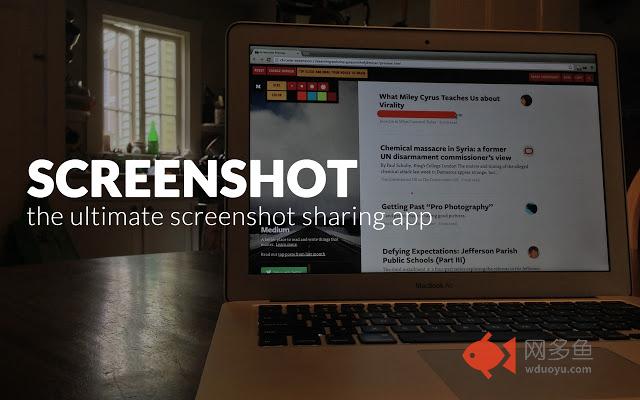
Hands down, the best way to save and share screen captures of webpages插件详情
Screenshot your way through the web with this easy to use extension. Capture all or part of a web page to save or to share with co-workers, friends, or family. Our easy to use editing tool allows you to mark up the image before sending if you want to highlight certain areas and/or blackout others. Works great on all platforms!# Taking screenshots
When you're on a page with something you want to capture, click on the camera icon in your toolbar. Alternatively, you can right click anywhere on the page to select different screenshot options. If you would like to capture just a particular image to draw over, right click on it.
# Saving screenshots
Download your screenshot directly to your computer, or upload to screenshot.co for easy sharing via a link that is only accessible to the people you share with. For additional security, screenshots on screenshot.co automatically delete after seven days.
# Feedback
Any and all feedback is welcome and heard. Screenshot is just getting started!
其他信息
官方唯一标识:bdfniepp****************egclkomk
官方最后更新日期:2018年10月9日
分类:生产工具
大小:108KiB
版本:1.3
语言:English (United States)
提供方:64px.com
星级:3.1
插件下载
| 下载链接一 下载链接二 |
| Chrome插件离线安装教程 |
温馨提示
本站中的部份内容来源网络和网友发布,纯属个人收集并供大家交流学习参考之用,版权归版权原作者所有。
如果您发现网站上有侵犯您的知识产权的作品,请与我们取得联系,我们会及时修改或删除。
如果您觉得网多鱼对您有帮助,欢迎收藏我们 Ctrl+D。