Loadster Recorder
插件截图
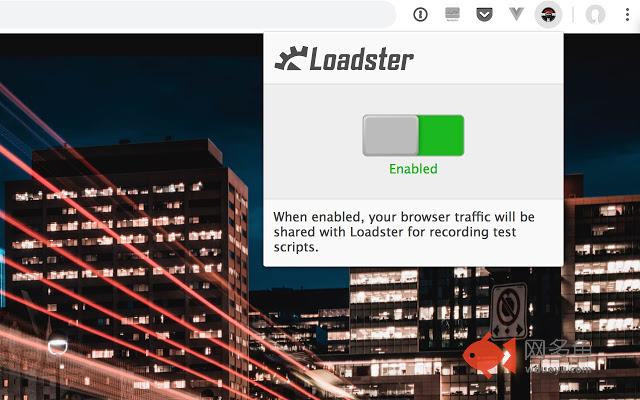
插件概述
Create load test scripts to run in Loadster.插件详情
The Loadster Recorder is a helper extension that enables you to easily record load test scripts in Loadster from your Chrome browser.Load testing is a way to ensure that the websites/apps you're building remain fast and responsive under heavy load. With Loadster, you can create test scripts simulating real user behavior, and then play them back with hundreds or thousands of concurrent simulated users.
This Chrome extension works by observing your browsing activity (when recording is enabled). It then shares it with the Loadster script editor for creating a script. Specifically, traffic is shared with the Loadster website (only when you are actively recording in the script editor) as well as your locally running Loadster Workbench, if applicable (which listens on localhost port 1999).
Loadster then compiles the browser activity into a test script. You can then edit the script and play it back until you're satisfied it represents the behavior you want to test. Then, create a scenario and run your load test.
This extension can be disabled when you're not recording Loadster scripts.
To learn more, check out https://loadster.app.
其他信息
官方唯一标识:bkhfnmah****************dhbidaan
官方最后更新日期:2019年6月21日
分类:开发者工具
大小:136KiB
版本:2.5
语言:English (United States)
提供方:loadster.app
星级:5
插件下载
| 下载链接一 下载链接二 |
| Chrome插件离线安装教程 |
温馨提示
本站中的部份内容来源网络和网友发布,纯属个人收集并供大家交流学习参考之用,版权归版权原作者所有。
如果您发现网站上有侵犯您的知识产权的作品,请与我们取得联系,我们会及时修改或删除。
如果您觉得网多鱼对您有帮助,欢迎收藏我们 Ctrl+D。