Hide Incognito Mode
插件截图
插件概述
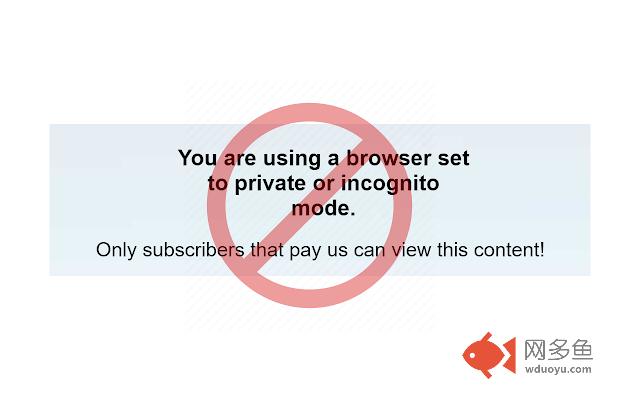
This extension helps you avoid some incognito mode detection methods, allowing you to view certain web pages in incognito mode.插件详情
This tiny and efficient extension can help you use certain websites which don't allow incognito mode. Some websites will not let you read their content while using private / incognito mode (unless you pay them a fee), and this extension can help you fool them into thinking that you're not actually using incognito mode, even though you are!- This will not work on all websites, but should work on most websites *if they tell you they do not allow private or incognito mode*.
- This extension will only activate the incognito-cloaking behavior on incognito browser tabs.
- You must still activate incognito tabs yourself.
IMPORTANT - This extension requires special installation.
You install it the same way as any other extension, but after you install it you MUST change the extension configuration to allow this extension to run in private mode. If you don't do this, it won't work! To configure it, goto Menu > More Tools > Extensions, then find this extension and click "More Details" button. Then, enable "Allow in incognito". See config screenshots at http://rehfeld.us/browser-extensions/hide-incognito-mode/setup.html
How it works (technical stuff):
Chrome / Webkit does not allow the window.RequestFileSystem / window.webkitRequestFileSystem API to operate properly in private mode, and many websites use this fact as a way to detect if you're in private mode. Specifically, websites just try to create a temporary file using the api and then monitor whether the success or error callback gets called.
This extension will install a shim to overwrite the native implementation of window.RequestFileSystem with new code that will always call the success callback. It does not actually attempt to emulate the api and allow writing to the filesystem - it only calls the success callback and that's it. It's very unlikely, it may break some websites which legitimately try to use the filesystem api while you're in private mode. While the api doesn't work in private mode, it's possible have an obscure dependency on some part of it's behavior that may get modified by the shim, but again, it's very unlikely.
In the future, I may add the ability to whitelist / blacklist websites, so that you can choose which sites or urls this extensions will activate for. For now, Chrome allows you to activate extensions on a per-site basis via the extension "Site access" setting.
Tip - Users that enjoy this extension may also like other extensions which perform similar functionalities, such as Nano Defender + Nano Adblocker (but make sure to enable "allow in incomgnito").
---------
Credits
---------
Icons by oNline Web Fonts http://www.onlinewebfonts.com
---------
Change log
---------
V1.1 - Only show setup instructions on initial install.
V1.0 - Initial release.
其他信息
官方唯一标识:admokidf****************dligklpl
官方最后更新日期:2019年3月5日
分类:开发者工具
大小:233KiB
版本:1.1
语言:English (United States)
提供方:none
星级:5
插件下载
| 下载链接一 下载链接二 |
| Chrome插件离线安装教程 |
温馨提示
本站中的部份内容来源网络和网友发布,纯属个人收集并供大家交流学习参考之用,版权归版权原作者所有。
如果您发现网站上有侵犯您的知识产权的作品,请与我们取得联系,我们会及时修改或删除。
如果您觉得网多鱼对您有帮助,欢迎收藏我们 Ctrl+D。