GIFs for Github
插件截图
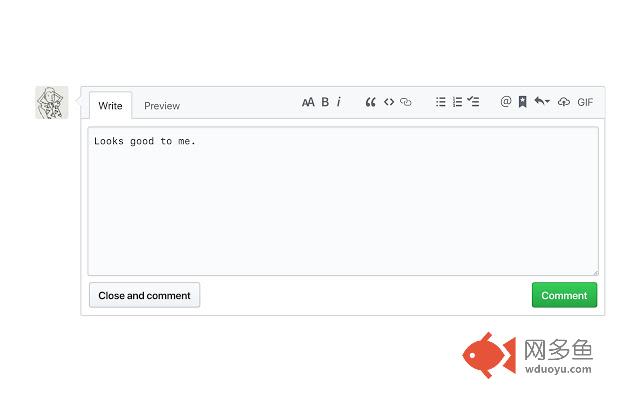
插件概述
Easily search GIPHY to add a GIF into any Github comment box.插件详情
Do you simply *need* GIFs to express yourself in Github? All those pull requests, code reviews, issues, and comments... wouldn't life be easier if you could just search and add a GIF in the click of a button? Well, look no further. Now you can search GIPHY straight from any comment box in Github, and add a GIF to your wordy masterpiece in a matter of seconds. No more trying to find a GIF that's under 10MB, no more manual tab opening and searching, no more writing your own markdown — just living your best GIF life.How does it work?
- Click the GIF button in the top right of your comment box
- A GIPHY dropdown will appear on-screen so you can search for your purrfect GIF
- Select your GIF, and it will appear wherever your cursor is in the text box
- You're done! Send away
其他信息
官方唯一标识:dkgjnpbi****************emhlphep
官方最后更新日期:2019年7月1日
分类:开发者工具
大小:101KiB
版本:1.2.3
语言:English
提供方:none
星级:5
插件下载
| 下载链接一 下载链接二 |
| Chrome插件离线安装教程 |
温馨提示
本站中的部份内容来源网络和网友发布,纯属个人收集并供大家交流学习参考之用,版权归版权原作者所有。
如果您发现网站上有侵犯您的知识产权的作品,请与我们取得联系,我们会及时修改或删除。
如果您觉得网多鱼对您有帮助,欢迎收藏我们 Ctrl+D。