Font Finder
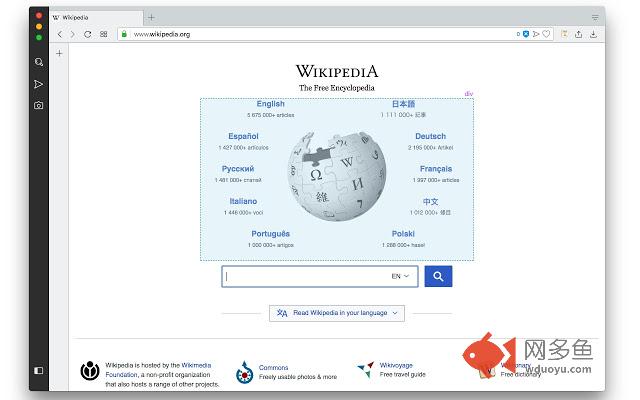
插件截图
插件概述
An easy-to-use font inspector to get CSS styles of the selected element插件详情
FontFinder is created for designers, developers and typographers. It allows a user to analyze the font information of any element on a page, copy any piece(s) of that information to the clipboard.FontFinder has 3 key pieces of functionality:
1. Any font on a page can be completely analyzed
2. Any piece of an element's information can be copied to the clipboard
3. Any active element can have any piece of the font's options (such as color, size or family) adjusted inline
Any of these options can be quickly accessed through highlight & right-click, or right-click on page and inspect element item.
Information Captured:
1. Font color (rgb and hex)
2. Background color (rgb and hex)
3. Font family (including actual font being rendered!)
4. Font size
5. Line-height, vertical-align, letter and word spacing
6. Font weight, style, variant
7. Text transform, decoration, align and indent
8. Element's type, class and ID
For FAQs and bug reports please visit:
http://add0n.com/font-finder.html
Localization:
https://www.transifex.com/portmen/font-finder/dashboard/
Release notes:
version 0.1.4:
1. Extension now has toolbar button for font inspections
2. Add-on do not inject any unnecessary code to web pages anymore. Injection occurs upon user font inspection request.
version 0.1.6:
1. Font Finder now toggles selection mode when toolbar button is pressed.
version 0.2.0:
1. Get the list of all fonts in the current frame
2. Replace the font of selected element with a new one to see the appearance change
3. Icon now changes to orange when the extension is in the inspection mode
version 0.2.1:
1. It is now possible to change the window opening mode to embedded mode from the right-click items over the toolbar button. This mode is useful to use the extension on full-screen mode.
version 0.3.0
1. Font Finder now examines all the selected characters each by each to detect font used to display this particular character. This method gives a more accurate result. See the FAQs page for more info.
version 0.3.3
1. Options to hide context-menu items
其他信息
官方唯一标识:bhiichid****************kalahgha
官方最后更新日期:2019年4月7日
分类:开发者工具
大小:75.08KiB
版本:0.3.3
语言:English
提供方:none
星级:4.1
插件下载
| 下载链接一 下载链接二 |
| Chrome插件离线安装教程 |
温馨提示
本站中的部份内容来源网络和网友发布,纯属个人收集并供大家交流学习参考之用,版权归版权原作者所有。
如果您发现网站上有侵犯您的知识产权的作品,请与我们取得联系,我们会及时修改或删除。
如果您觉得网多鱼对您有帮助,欢迎收藏我们 Ctrl+D。