Clear Code
插件截图
插件概述
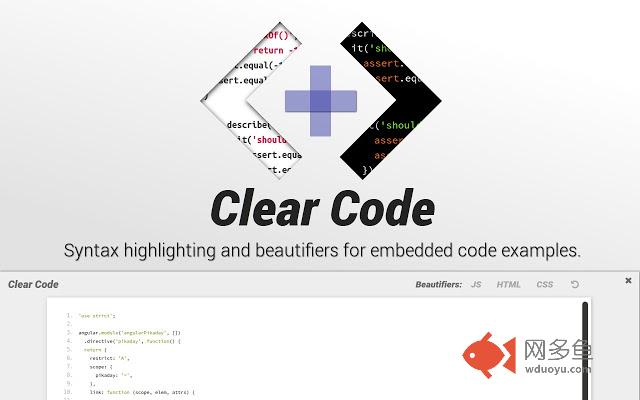
Syntax highlighting and beautifiers for embedded code examples.插件详情
Clear Code allows you to grab any code examples online from blogs, tutorials or forums, and open them in a distraction free viewer.Great for working with code examples with small fonts, low contrast syntax highlighting, excessive text wrapping or horizontal scrolling.
Easily customise the fonts and syntax highlighter scheme to suit your needs.
Includes HTML, JS and CSS beautifiers to quickly reformat any condensed or poorly formatted examples.
USAGE:
Click the Clear Code icon in the browser bar to add a quick open button to any properly formatted
code blocks on the page.
Alternatively:
1. Select the text you want to show in Clear Code.
2. Right click to show the context menu.
3. Select 'Open in Clear Code'.
OPTIONS:
Customise the syntax highlighter theme, font styles and beautifiers from the options page. Right click the Clear Code icon in the browser bar, or access via the chrome extensions page.
NOTE:
In edge cases where code examples have been badly/wrongly formatted, it may not be possible to grab the main text of an example without including the embedded line numbers.
ALSO:
Whilst Clear Code works pretty much anywhere you can select text, you cannot view the content of pages opened with 'view source'. This is a feature of Chrome as of this time. You can however view the content of any linked CSS or JS pages, just not the direct source of the main HTML file.
其他信息
官方唯一标识:
glnikohj****************jdjffcmg官方最后更新日期:2019年3月8日
分类:开发者工具
大小:1.18MiB
版本:1.1.0
语言:English
提供方:none
星级:3.8
插件下载
| 下载链接一 下载链接二 |
| Chrome插件离线安装教程 |
温馨提示
本站中的部份内容来源网络和网友发布,纯属个人收集并供大家交流学习参考之用,版权归版权原作者所有。
如果您发现网站上有侵犯您的知识产权的作品,请与我们取得联系,我们会及时修改或删除。
如果您觉得网多鱼对您有帮助,欢迎收藏我们 Ctrl+D。