OpenComments
插件截图
插件概述
Make EVERY Web site your personal forum. Rant or rave, vent or praise: graffiti gone digital!插件详情
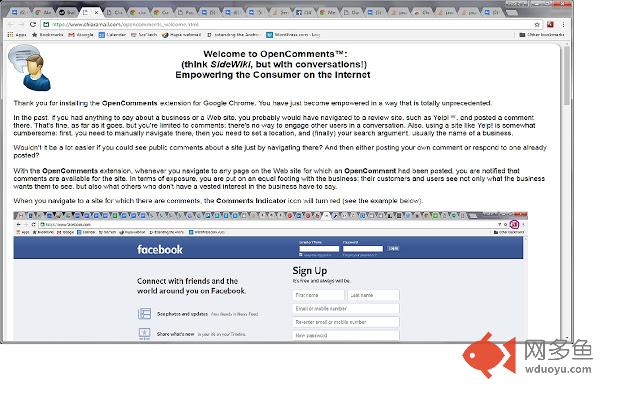
Have you ever had a really, really good or really, really bad experience with a product or with customer service? Want to tell the world about it, right on the company's "doorstep"? With the OpenComments extension for Chrome, you can make a comment about any page on a Web site and everyone who navigates to the site with an OpenComments-enabled Chrome browser will be aware that you have something to say about the site or the business behind it.Disagree with a post and want to respond to it? OpenComments supports full conversations.
The OpenComments browser icon, located to the right of the browser address bar, will change color whenever the currently visible Web page has comments on it. By pressing the icon, users may then read the comments and post replies or their own new topic. The OpenComments extension makes it easy for your voice to be heard around the world. Rant or rave, vent or praise: graffiti gone digital!
其他信息
官方唯一标识:afeoipgh****************ibkcghmh
官方最后更新日期:2016年3月25日
分类:社交与通讯
大小:803KiB
版本:2.0.5
语言:English (United States)
提供方:www.chiaramail.com
星级:4
插件下载
| 下载链接一 下载链接二 |
| Chrome插件离线安装教程 |
温馨提示
本站中的部份内容来源网络和网友发布,纯属个人收集并供大家交流学习参考之用,版权归版权原作者所有。
如果您发现网站上有侵犯您的知识产权的作品,请与我们取得联系,我们会及时修改或删除。
如果您觉得网多鱼对您有帮助,欢迎收藏我们 Ctrl+D。