Stop Animations
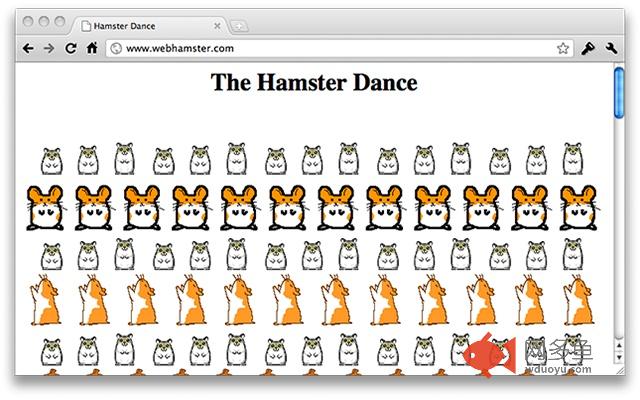
插件截图
插件概述
Stops animations from distracting you while reading - just press the escape key [esc]... and press again to restore.插件详情
Great at stopping animations from distracting you while reading.Just press the escape key [esc]... and press again to restore.
This stops everything from GIF, Flash, and even JavaScript.
Works by taking a screen shot and layering it over the page... unfortunately it can't do a full screen shot (see bug report 45209), so it re-updates when you scroll or resize the window.
To raise bug reports, or see the source code, please go to:
https://github.com/craigfrancis/stop-animations
其他信息
官方唯一标识:gemmknjn****************baneikda
官方最后更新日期:2018年10月25日
分类:辅助工具
大小:381KiB
版本:1.15
语言:English
提供方:www.craigfrancis.co.uk
星级:3
插件下载
| 下载链接一 下载链接二 |
| Chrome插件离线安装教程 |
温馨提示
本站中的部份内容来源网络和网友发布,纯属个人收集并供大家交流学习参考之用,版权归版权原作者所有。
如果您发现网站上有侵犯您的知识产权的作品,请与我们取得联系,我们会及时修改或删除。
如果您觉得网多鱼对您有帮助,欢迎收藏我们 Ctrl+D。