Qotter Copy & Show
插件截图
插件概述
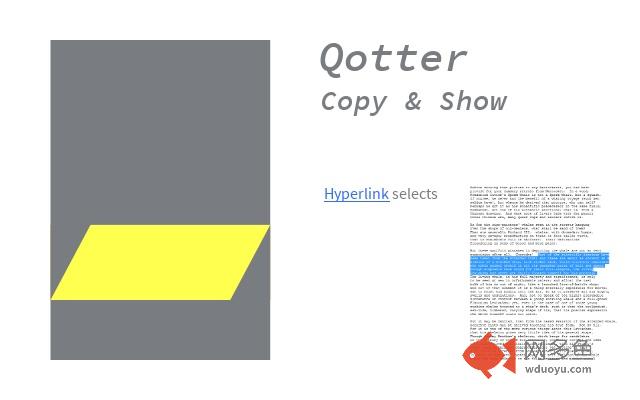
Shows quotations on webpages. Converts a text selection into a link. Follows such a link and selects the according text.插件详情
If someone wanted to show to you a text on a webpage, he would have sent a link and told You to press CTRL+F and enter a certain text.Qotter Copy&Show lets you
* select some text on a webpage and send this selection to someone.
* Open the according webpage and get the selection highlighted automatically.
Usage:
You have selected some text on a webpage. Now you turn this selection into a link by
* pressing CTRL+ALT+C
* clicking the symbol with the yellow highlight
* a right mouse button click that opens the context menu and selecting "Create Copy & Show Link".
An animation of the qotter symbol confirms that the link is copied to the clipboard. You can paste this link into any document as you are used to by pressing CTRL+V or RMB -> paste.
If you click on such a link with the addon installed, the browser will open the according page and select the exact passage you had selected initially.
Because these links tend to be very long, with the RMB you can select the function "Create HTML Link". In a html document such a link will be displayed much prettier.
This extension is based on an idea by Gervase Markham.
其他信息
官方唯一标识:mijkhgch****************khomejlc
官方最后更新日期:2017年6月18日
分类:辅助工具
大小:11.66KiB
版本:1.2
语言:支持2种语言
提供方:none
星级:none
插件下载
| 下载链接一 下载链接二 |
| Chrome插件离线安装教程 |
温馨提示
本站中的部份内容来源网络和网友发布,纯属个人收集并供大家交流学习参考之用,版权归版权原作者所有。
如果您发现网站上有侵犯您的知识产权的作品,请与我们取得联系,我们会及时修改或删除。
如果您觉得网多鱼对您有帮助,欢迎收藏我们 Ctrl+D。