GroupDocs Signature plugin for Gmail
插件截图
插件概述
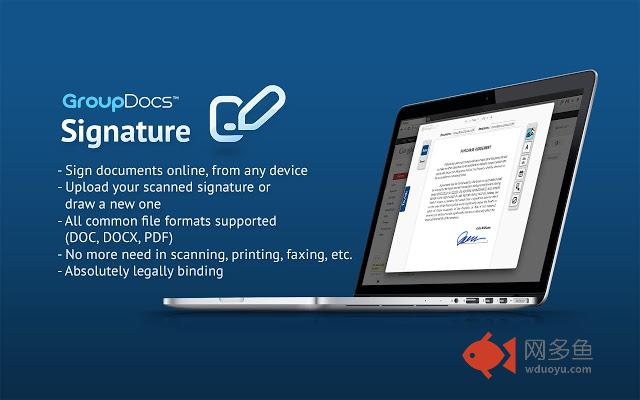
Sign documents from gmail with GroupDocs插件详情
This plugin lets you integrate the GroupDocs online signature service into your Gmail interface. Once installed, you will be able to sign documents directly in Gmail, without going to your GroupDocs account. Here is how it works:1. After installing this plugin, a "Sign" link will be added under each DOC, DOCX or PDF attachment in your incoming e-mails. Now, when someone sends you a document to your Gmail address, requesting your signature, you need just to click on the "Sign" link under the attached document.
2. Once clicked, a window will appear, asking you to select an online signature you'd like to apply to the document. This could be a scan copy of your handwritten signature, for example.
3. When the signature is selected, GroupDocs will automatically apply it to the document and then create a responding email with the signed document attached already. That's it!
Along with the responding e-mail, GroupDocs will also save a copy of the signed document in your GroupDocs account. This way, all documents you sign will always be at your hands.
Documents signed with the GroupDocs' online signature service are absolutely legally binding in most of the developed countries. For information, please refer to:
GroupDocs Online Signature Service Website:
http://groupdocs.com/apps/signature
Visit our Github project for feedback and issue reports:
https://github.com/groupdocs/chrome-groupdocs-signature-gmail
其他信息
官方唯一标识:nhlbakme****************foiohggl
官方最后更新日期:2013年10月24日
分类:辅助工具
大小:245KiB
版本:1.3.9
语言:English
提供方:none
星级:5
插件下载
| 下载链接一 下载链接二 |
| Chrome插件离线安装教程 |
温馨提示
本站中的部份内容来源网络和网友发布,纯属个人收集并供大家交流学习参考之用,版权归版权原作者所有。
如果您发现网站上有侵犯您的知识产权的作品,请与我们取得联系,我们会及时修改或删除。
如果您觉得网多鱼对您有帮助,欢迎收藏我们 Ctrl+D。